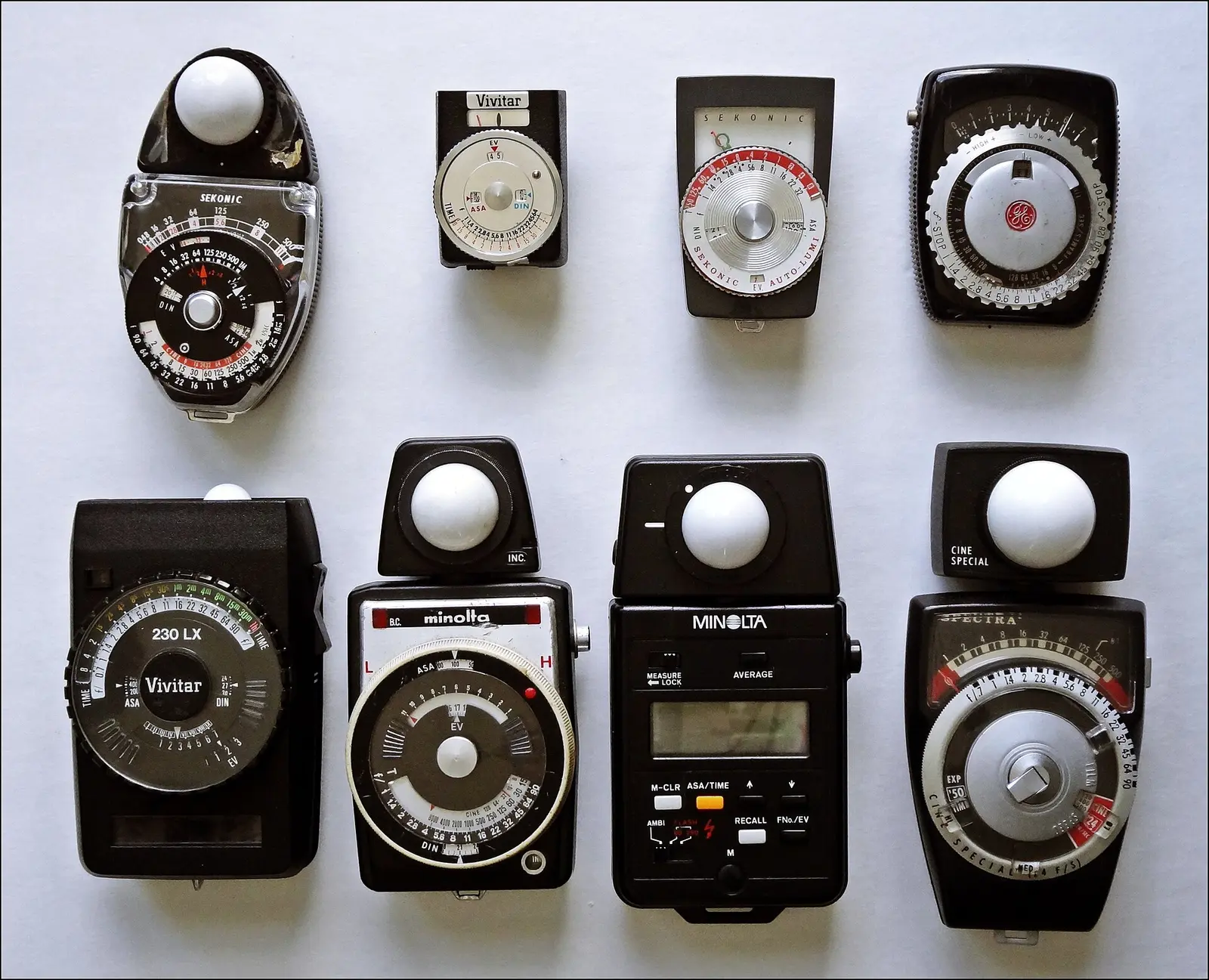
The short answer, as of October 2026: on iPhone, Lightme is the best free light meter app for film and myLightMeter PRO ($4.99, one-time) the best paid one; on Android, WBPhoto's Light Meter Lite and Lightmeter: Film & Logbook are the strongest free options; and Pellica, our own app, is the free meter that works the same on both and turns each reading into a frame of the roll you are shooting. Every price and feature below was checked on the App Store, Google Play and the developers' own pages on October 9, 2026.
Search "light meter" on either store and you get hundreds of results: lux meters aimed at electricians and plant growers, abandoned side projects, subscription traps. Only a handful are built for film: ISO-first controls, output in real apertures and shutter speeds, reciprocity for long exposures, and accuracy claims you can check. These are the six that matter, plus the Android picks.
For most film shooting, a well-built phone meter is not a compromise. Negative film forgives a third of a stop without blinking — the real question is which app earns a permanent place in your workflow.
One disclosure before the list: Pellica is our app. We build it, so we are not neutral about it. We have placed it where we honestly believe it belongs, we explain the specific reason it is there, and in every other entry we tell you where that app beats ours. If you want the metering fundamentals first — incident versus reflected, why box speed matters — start with our guides on how to use a light meter for film and understanding film ISO.
1. Pellica — best if you log what you shoot
Several apps on this list can now save a reading (more on that below). Pellica is the one where the reading lands on the roll itself, in the same app. Its light meter app for film cameras lives inside a film roll tracker: open the meter from any active roll and your film's ISO is already set; take the reading; tap once more and the exposure, your adjustments, and the scene become frame N of that roll. When your scans come back, the settings behind every frame are already written down.
As a meter, it reads reflected light through the rear camera in four modes: center-weighted by default, matrix for evenly lit scenes, spot on the point you tap, and highlight, which meters for the brightest part of the frame so slide film keeps its highlights. A Zone System display helps with black-and-white work, ND compensation runs from ND2 to ND10000, and on long exposures it applies the reciprocity correction for the film on your roll and can time the exposure for you. The ISO dial covers 25 to 6400 in third stops. If your handheld reads differently in your own light, the calibration screen lets you set a fixed EV adjustment or calibrate against a gray card or another meter.
Where the others beat us, honestly: Pellica measures reflected light only, so it cannot read the light falling on your subject the way Lightme's front-camera mode or the light-sensor modes of the Android apps below do, and it does not meter flash. In very dim light, sensor noise makes readings less reliable — true of every camera-based app here. The meter is part of Pellica's free tier on iOS and Android, with no separate purchase and no ads.
2. Lightme — the best free meter on iOS
Lightme, by developer Giuseppe Bertolini, is what happens when one person builds the meter they actually want to use. It is free on the App Store, and its listing says the app "is free in all its many functionalities": the in-app purchases, from $9.99 to $59.99, exist to support development. As of October 2026 it holds a 4.8-star rating from 925 ratings, and it was updated twice in the last three weeks.
The film-specific depth is remarkable. Lightme automatically compensates for reciprocity failure on more than 25 film stocks, carries a searchable database of over 70 films, includes a dedicated pinhole mode, and added an in-app timer for long exposures in March 2026. Metering covers reflected, variable-zoom spot with averaging, and incident via the calibrated front camera. Its signature interface trick — showing every valid aperture and shutter combination at once, like the needle-and-wheel meters of the 1960s — is genuinely faster than scrolling a picker wheel.
What we got wrong in July: Lightme's readings do not stay inside the app. Since July 2025 a "log" button sends a shot to Lightme - Logbook, a separate free app from the same developer, per the version history. The limits that remain: iOS only, and the log lives in a second app rather than on a roll. If you shoot long exposures on Acros or Delta 100 and want the reciprocity math done for you, this is still the free app that does it best.
Track this in the app: Light Meter
3. myLightMeter PRO — best one-time purchase
David Quiles' myLightMeter PRO is the sentimental favorite of the film community, and it changed more this summer than in years. It now costs $4.99 as a one-time purchase on the App Store (€4.99 in France and Spain), up from $3.99 in July, with a 4.8-star rating from 1,140 ratings and version 3.2.1 released in September 2026. An Android version sells for $4.49 (€4.79 in France).
The interface still offers its faithful recreation of a classic analog meter, now as a "Classic" style next to a newer "Pro" one, with incident and reflected modes and spot metering from the camera view. Two additions matter for film: reciprocity failure correction arrived in August 2026, and Sessions, in September, save readings with a photo, the exposure data, your camera and lens and notes, synced through iCloud and exportable as a PDF. Shoot It With Film's long-term review called it "the easiest to use and most streamlined light meter application I have used thus far."
The trade-offs: sessions are a notebook of readings, not a roll with frame numbers, and the classic dial is the whole personality of the app — beloved by some, dated to others.
4. Light Meter by WBPhoto — best on Android
WBPhoto's Light Meter is the default recommendation on Google Play. The Lite version is free with ads and in-app purchases, holds a 4.3-star rating from 4,890 reviews, has passed a million downloads, and was updated on September 24, 2026. The ad-free version costs $5.99 on Google Play (€6.49 in France); the iPhone version costs $6.99 (€7.99 in France and Spain). The developer says it is calibrated against Gossen and Sekonic meters.
It has grown into a toolbox: spot and multi-point spot metering, Zone System placement, incident metering through the phone's light sensor on Android, reciprocity for more than 40 film stocks, 13 calculators (depth of field, bracketing, pinhole, bellows factor, Sunny 16), an AR rangefinder for manual-focus cameras, and a log of exposures with GPS position and notes. learnfilm.photography's review puts the case for phone meters plainly: "I’ve been using mobile light meters for the past five years without any issue."
The limits: the interface is utilitarian, the free version shows ads, and the developer's site says incident metering is Android-only.
5. Pocket Light Meter — the veteran that went paid
Nuwaste studios' Pocket Light Meter is one of the first metering apps ever shipped on the App Store, and for years it was the free, ad-supported default. That era is over: as of October 2026 it costs $9.99 up front (€9.99 in France and Spain), plus optional in-app purchases, which makes the once-free veteran the most expensive pure app on this list.
It remains competent. Version 9.6.1 was, per the changelog, "completely rewritten to avoid crashes," and its listing describes the core loop in one line: it "measures reflected light, and allows reciprocity calculations." It holds a 4.5-star rating from 1,046 ratings.
At $9.99 it is hard to recommend over Lightme (free, more film features) or myLightMeter PRO ($4.99, incident mode and sessions) unless you already know and trust it — which, after fifteen years, many film shooters do.
6. Lumu Power 2 — when an app is not enough
The Lumu Power 2 is not an app; it is an incident dome that plugs into an iPhone's Lightning port and turns it into a true handheld meter, with color temperature and flash measurement — things no camera-based app on this list can do. At its 2018 launch the Power version cost $399, per CineD's launch coverage.
What we could not confirm on October 9: today's price (B&H's product page refused our check) and any USB-C version. Owners of an iPhone 15 or later, which use USB-C, should check compatibility with Lumu before buying. If you meter studio strobes on film, this is the option that genuinely replaces a Sekonic. For everyone else, it costs many times more than every app here.
The best free light meter apps for Android
Android film shooters were long an afterthought in this category. In October 2026 they have three free choices worth installing:
- Pellica (free, no ads): the four reflected modes above, and the reading goes onto your roll. Same app and same features as on iPhone.
- Light Meter Lite by WBPhoto (free with ads): the deepest toolbox, with incident metering through the light sensor.
- Lightmeter: Film & Logbook by Vadim Turko (free, with in-app purchases): reflected and incident metering, ISO 3 to 25,600, ND filters, a long-exposure timer with reciprocity correction, and a logbook of settings, location and notes for each shot. It holds 4.4 stars from 440 reviews and was updated on October 4, 2026. Its listing does not say which features need the paid upgrade.
Side by side
Five of the six options cost under $10 as of October 2026; the sixth costs hundreds because it is a physical sensor, not software.
| App | Price (Oct. 2026) | Incident / Reflected / Spot | Platforms | Film-specific features | Saves readings |
|---|---|---|---|---|---|
| Pellica | Free (meter included) | No / Yes / Yes (tap) | iOS, Android | Zone System display, ND and reciprocity compensation, ISO 25–6400 | Yes, as a frame of your roll |
| Lightme | Free, optional IAP | Yes / Yes / Yes (zoom) | iOS | Reciprocity for 25+ stocks, 70+ film database, pinhole mode, timer | Yes, in the separate Lightme - Logbook app |
| myLightMeter PRO | $4.99 iOS, $4.49 Android | Yes / Yes / Yes | iOS, Android | Classic dial, reciprocity correction | Yes, in Sessions |
| Light Meter (WBPhoto) | Free Lite with ads (Android), $5.99 Android, $6.99 iOS | Android only / Yes / Yes | Android, iOS | Reciprocity for 40+ stocks, Zone System, 13 calculators | Yes, with GPS and notes |
| Pocket Light Meter | $9.99 + IAP | Not listed / Yes / Tap | iOS | Reciprocity calculations | Not listed |
| Lumu Power 2 | $399 at launch (2018) | Yes (true dome) / No / No | iOS (Lightning) | Flash metering, color temperature | — |
If your film work runs through your phone anyway, two companion roundups may help: our looks at film negative inversion apps and the best film photography apps of 2026.
Frequently asked questions
Are phone light meters accurate enough for film?
For negative film, yes. Color negative and black-and-white stocks tolerate a stop or more of overexposure, and the reviewer at learnfilm.photography writes of using phone meters for five years "without any issue." If you own a handheld and it disagrees with your phone, set a permanent calibration offset rather than doing the arithmetic every time. Slide film is stricter — bracket when in doubt.
What is the best free light meter app?
On iPhone, Lightme: every feature is free, including reciprocity compensation for more than 25 film stocks and incident metering with the front camera. On Android, WBPhoto's Light Meter Lite (with ads) and Lightmeter: Film & Logbook. Pellica's meter is free on both, without ads, and logs each reading as a frame of your roll. Prices checked on October 9, 2026.
What is the best light meter app for Android?
WBPhoto's Light Meter has the most tools, including incident metering through the phone's light sensor; its Lite version is free with ads and the full version costs $5.99. Lightmeter: Film & Logbook is a free alternative with a long-exposure timer and a logbook, and myLightMeter PRO ($4.49) is also on Android. Pellica is free and identical on Android and iPhone.
What is the difference between incident and reflected metering on a phone?
Reflected metering points the rear camera at your subject and reads the light bouncing off it, which bright or dark subjects can fool. Incident metering measures the light falling on the subject, with the front camera or the phone's light sensor held at the subject's position, so the subject's own tone cannot skew the reading. Lightme, myLightMeter PRO and the Android apps above offer both; Pellica meters reflected light only.
Meter it, then log it
A meter reading is worth the most in the ten seconds after you take it — and again three weeks later, when the scans come back and you are trying to reconstruct why frame 14 glows and frame 15 is mud. Whichever app you choose, the habit that improves your photography is the same: meter deliberately, note what you set, and compare it against the results.
Pellica folds that habit into one motion. The built-in light meter reads the scene in four modes, spot included, and one tap sends the reading — with your camera settings and location — straight into the film roll tracker as a frame on your current roll. When the roll is done, the lab map finds you a place to develop it. All of it is in the free tier, on iOS and Android.
The best light meter app is the one whose readings you still have when the negatives come back.
Correction, October 9, 2026: the July version said Lightme's readings stay inside the app and that Pellica was the only app that logs readings; Lightme has sent shots to its Logbook app since July 2025, and myLightMeter PRO and WBPhoto's Light Meter now save readings too. myLightMeter PRO's price rose from $3.99 to $4.99 and it gained reciprocity correction; Lightme's in-app purchases start at $9.99, not $1.99; claims we could not source again (a Sekonic price, a Luxi accessory for Pocket Light Meter, Lumu's current price) were removed.