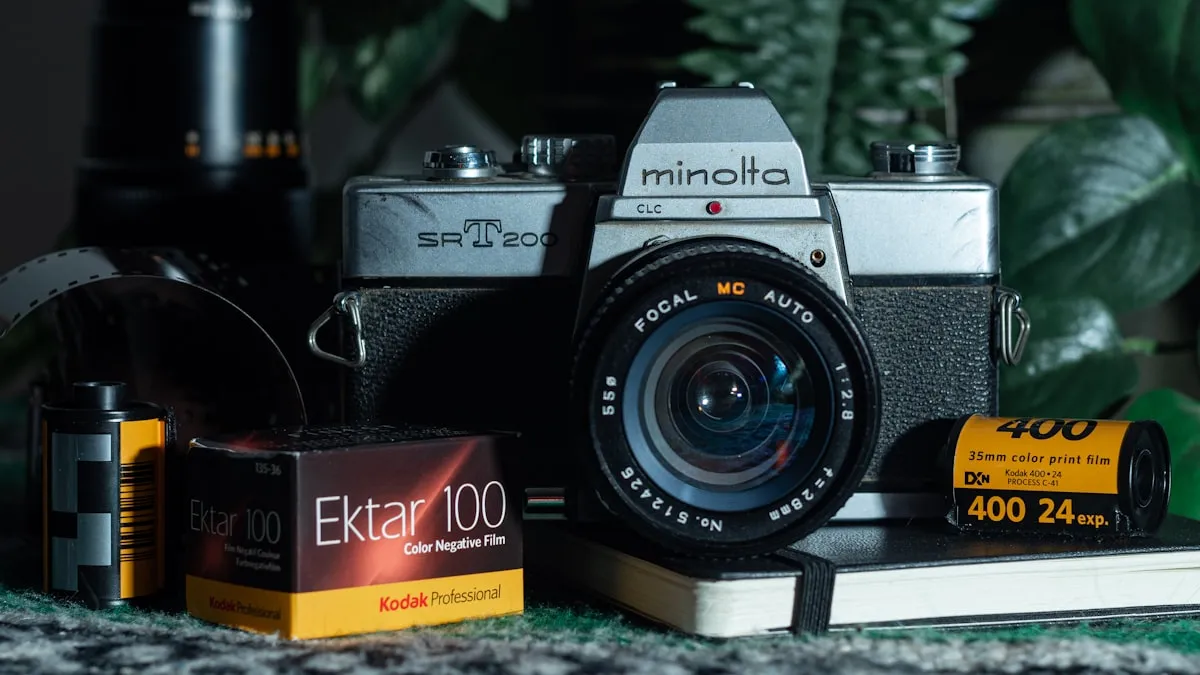
Three things happened in the first half of 2026 that show how alive the film photography app scene is. Newgrain launched its web platform in March with more than 9,000 photographers already on board. Analog.Cafe shipped a major June update to film Q, its one-click negative inverter. And f8 Develop, a new HDR inversion app built for Apple Silicon, arrived the same month. Meanwhile, type "film photography" into an app store and half of what comes back are filter apps that make digital photos look vaguely like film. If you shoot actual rolls, you need a different map. This guide sorts the 2026 landscape into five jobs — logging, metering, developing, scanning, and sharing — and names the apps worth a slot on your home screen, with every price checked in July 2026.
Half of what the app stores call film photography apps have never touched a roll of film. Here is the half that has.
The Quick Picks, at a Glance
One honest note before the table: Pellica is our app. We have kept its entry factual and we point you to independent alternatives in every category, but weigh the disclosure as you read.
| App | Job | Platforms | Price (checked July 2026) |
|---|---|---|---|
| Pellica | Logging + metering + lab map | iOS, Android | Free tier; Pro €4.99/mo, €34.99/yr, or €129.99 lifetime |
| Frames | Logging + scan metadata | iOS, macOS | $1.99/mo, $17.99/yr, or $59.99 lifetime |
| Film Logbook | Logging | iOS | Free; $4.99 one-time Pro unlock |
| FilmFolio | Logging + spot meter | iOS | Subscription after free trial |
| myLightMeter Pro | Metering | iOS | $3.99 one-time |
| Lightme | Metering | iOS | Free, optional tips |
| Massive Dev Chart Timer | B&W developing | iOS, Android | $9.99 one-time |
| film Q | Negative inversion | Web, any device | Included in Analog.Cafe GOLD, $5/mo |
| Grainery | Sharing | Web, iOS | Freemium |
| Newgrain | Sharing | iOS, web | Freemium |
Logging: Your Film Notebook, Minus the Paper
Logging apps answer the question every film shooter eventually asks at the light table: what settings did I use on frame 12, three weeks and two rolls ago? Four apps dominate this category in 2026, and we compared them frame by frame in our best film roll tracking apps roundup.
Pellica is our own film roll tracker, and it is the only app in this list built around three tools in one: per-frame logging with automatic GPS and weather capture, a built-in light meter, and a map of more than 1,200 film labs worldwide. When your scans come back, you match them to the frames you logged and the app can embed your exposure data into the files as EXIF. The free tier on iOS and Android covers roll and frame logging; Pro is €4.99 a month, €34.99 a year, or €129.99 lifetime as of July 2026.
Frames is the most polished pure notebook of the group. Launched in May 2025 — 35mmc covered its debut — it pairs an iPhone logger with a macOS companion that writes your shooting data directly into JPEG, TIFF, JXL, and DNG scans. It is local-first with no account required, and the subscription runs $1.99 a month, $17.99 a year, or $59.99 lifetime as of July 2026, per its official site.
Film Logbook by indie developer Michael Steurer is the minimalist pick: rolls, frames, meter readings, reference images, and iCloud sync, with no subscription anywhere. The app is free and a one-time $4.99 Pro purchase unlocks the extras, which makes it the cheapest complete logger on iOS as of July 2026.
FilmFolio leans toward collectors and gear trackers: it logs rolls and frames but also cameras, lenses, and per-roll costs, and it adds a spot meter that uses the iPhone camera. It runs on a subscription after a free trial, and its developer reports more than 10,000 users as of mid-2026.
Track this in the app: Film Roll Tracker
Metering: The Phone as Light Meter
A phone meter will not replace a calibrated incident meter for slide film, but for negative film with its generous latitude, the best metering apps are accurate enough that thousands of shooters rely on nothing else. Two picks stand out in 2026, and our deeper guide to the best light meter apps tests the wider field.
myLightMeter Pro is the veteran, designed by a photographer and sold for $3.99 as of July 2026. It offers both reflected and incident metering behind a skeuomorphic analog dial, covers ISO 3 to 6400, and was still receiving updates in June 2026.
Lightme is the free option that undercuts most paid meters on features: spot metering with zoom, a zone system mode, reciprocity failure compensation for more than 25 film stocks, and a dedicated pinhole mode. Development is funded by optional tip-jar purchases rather than a paywall.
If you would rather not switch apps between metering and logging, Pellica's light meter app for film is built into the same screen where you log the frame — meter, set, shoot, record, done.
Developing: One Timer to Rule the Darkroom
For home developers, one app has been the reference for over a decade. Massive Dev Chart Timer puts Digitaltruth's Massive Dev Chart — the largest black-and-white development database in existence — on iOS and Android with a multi-step timer, temperature compensation, and agitation reminders. It costs $9.99 as of July 2026, works offline, and its database was last refreshed in April 2025. The one real limitation: it covers black-and-white chemistry only, so C-41 and E-6 shooters still need a lab.
If that is you, a film lab map solves the other half of the problem — finding a lab that runs your process wherever you happen to be. And if you are tempted to start souping your own rolls, our guide to developing film at home walks through the kit list.
Scanning and Inversion: The June 2026 Shake-Up
Negative inversion used to mean wrestling with curves in Photoshop or paying for a Lightroom plugin. In 2026 the category is moving fast. film Q, Analog.Cafe's web app, batch-inverts entire rolls of RAW and 16-bit TIFF scans with one click, using plain histogram stretching instead of opinionated color science — the output is a flat positive you grade yourself. Because it runs in the browser, it works on iOS, Android, Mac, Windows, and Linux alike, and it received a major update in June 2026. As of July 2026 it is included with Analog.Cafe's GOLD membership at $5 a month.
The same month, PetaPixel covered f8 Develop, a new Mac-only inversion app built for Apple Silicon that renders HDR positives. Two serious new tools inside a single month says something about where the film workflow is heading. We compare the whole category — including desktop stalwarts — in our film negative inversion apps breakdown.
Sharing: Film-Only Social Platforms
Grainery and Newgrain answer a different question from everything above. A tracker is where you log film photos — a platform like Grainery is where you share them. Many photographers use both, because the tools complement rather than compete.
Grainery launched in 2022 as the Instagram alternative for analog shooters, with camera, lens, and film stock metadata attached to every photo and a search that can filter by gear. Be aware of its trajectory, though: GRAIN's photo-sharing roundup reports that development has stalled, with no support and the platform "sort of running itself." The site and iOS app still work, and the browsing experience remains pleasant, but do not expect new features.
Newgrain is where the momentum is. Tim Issenmann's platform strips out likes, ads, and algorithmic feeds entirely, and it counted more than 9,000 photographers and 35,000 shared photos when its web app launched in March 2026. It is under active development, with the developer visibly responsive to user feedback — the opposite of Grainery's situation. We covered Newgrain's web launch in depth when it happened.
Film Simulation Apps Are Not Film Photography Apps
One category is deliberately missing from the table above. Dazz Cam and FIMO top every generic "film camera app" list, and both are competent at what they do — Dazz added video effects in a March 2026 update, and FIMO models the spectral response of real emulsions like Portra 400. But these apps fake the film look on digital photos. Nothing in them meters a scene, logs a frame, or touches an actual roll, so if you shoot real film they solve a problem you do not have. The distinction matters more than it sounds: simulated grain and real halation behave differently, and we unpacked exactly how in film simulation recipes vs real film.
Frequently asked questions
What is the best app for film photography?
It depends on the job. As of July 2026, Pellica is the strongest all-in-one for logging, metering, and finding labs; Frames is a polished iOS and macOS notebook; film Q leads one-click negative inversion; and Newgrain is the most active film-only sharing platform.
Is there a free film camera log app?
Yes. Pellica offers a free tier on iOS and Android with roll and frame logging, and Film Logbook is free on iPhone with a one-time $4.99 Pro unlock as of July 2026. Lightme is a fully free light meter funded by optional tips.
What app do film photographers use to track rolls?
The four most cited roll trackers in 2026 are Pellica, Frames, Film Logbook, and FilmFolio. Pellica adds a built-in light meter and a map of more than 1,200 film labs, while Frames pairs an iPhone logger with a macOS app that writes metadata into your scans.
Five Jobs, One Pocket
The pattern across every category is the same: the apps that last are the ones built by people who shoot film, for the specific frictions of shooting film. You do not need ten of them. Most photographers settle on one logger, one meter, one inversion tool, and one place to share — and the logger is the keystone, because the notes you take at the shutter are the only part of the workflow you cannot reconstruct later.
Pellica's film roll tracker was built to collapse three of those slots into one: log every frame with settings, GPS, and weather, meter with the built-in cell, and find a lab on the map when the roll is done. If you want to see how it stacks up against every alternative in this guide, feature by feature, our full film app comparison lays it all out.
Whichever stack you choose, choose it deliberately. Film gives you 36 frames per roll — the right apps make each one count twice, once in the camera and once in the record you keep.