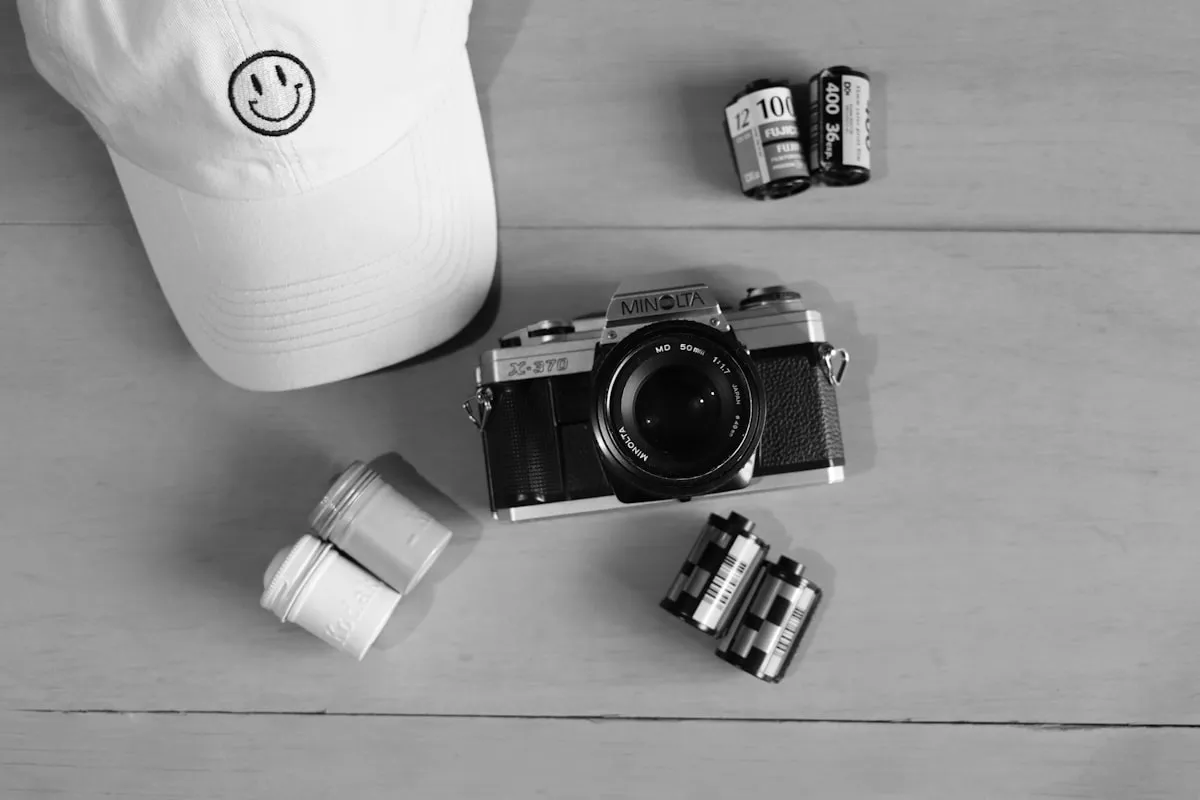
If you shoot film in 2026, you already know the pain: you finish a roll, send it off to the lab, and three weeks later you're staring at scans with no idea what aperture you used on frame 14. Was that Portra pushed to 800, or rated at box speed? Which lens were you using? You can't remember, and you can't learn from what you can't remember.
That's where film roll tracking apps come in. They let you log exposure settings as you shoot, so when your scans come back you can match every image to the data behind it. We tested every major option available right now. Here's how they compare.
You finish a roll, send it off to the lab, and three weeks later you're staring at scans with no idea what aperture you used on frame 14.
1. Pellica — The Most Complete Option
Pellica is the app we built because nothing else did everything we needed. It's a film roll tracker at its core, but it goes well beyond simple shot logging. You create a roll, pick your film stock and camera, then log each frame with a single tap. Aperture, shutter speed, ISO, lens, and notes are all right there. What sets Pellica apart is that it automatically captures GPS location and weather conditions for every shot — no extra steps. When you're shooting on a windy rooftop at golden hour, that context matters.
The app also includes a built-in light meter, which means you don't need to switch between apps to meter a scene and then log the exposure. Meter, set, shoot, log — all in one place. For photographers who want to self-develop or just need a good lab, Pellica has a worldwide lab map with over 500 film development labs, filterable by services (C-41, E-6, B&W push/pull).
Once your scans come back, you can import them into the app and match each developed photo with its original exposure data. This is where the real learning happens: you see exactly what settings produced each result. Pellica also offers PDF and CSV export, voice notes for hands-free logging, camera and lens gear management, and shooting statistics. It's free to download on iOS with optional premium features.
2. Frames — Clean and Focused
Frames takes a minimalist approach to film logging. The interface is clean and the onboarding is straightforward: create a roll, log your shots. It handles the basics well — aperture, shutter speed, and film stock tracking. If you want something simple that stays out of your way, Frames is a solid pick.
Where it falls short is in the extras. There's no built-in light meter, no lab map, and no scan matching. You're getting a digital notebook, and for some photographers that's genuinely enough. But if you want to close the feedback loop between shooting and reviewing your results, you'll need to pair Frames with other tools.
3. Film Logbook — Basic but Cross-Platform
Film Logbook's biggest advantage is that it works on both iOS and Android. If you're on Android and need something right now, it's one of the few options available. The interface is functional rather than polished — it gets the job done without much flair.
You can log rolls and shots with standard exposure data. The app supports basic export and has a straightforward camera management system. It doesn't offer location tracking, weather capture, or scan import, but the cross-platform availability makes it worth considering if you switch between phone ecosystems.
4. FilmMeter — Great Meter, Limited Tracking
FilmMeter started as a light meter app and it still excels at that job. The metering is accurate and the interface for reading exposure values is well-designed. Some versions include basic shot logging, but tracking is clearly a secondary feature.
If your primary need is a reliable light meter and you only occasionally want to jot down exposure data, FilmMeter works. But for dedicated roll management — tracking multiple rolls, matching scans, exporting data — you'll want a purpose-built tracker alongside it.
5. Rollio — Promising Newcomer
Rollio appeared on the scene recently with a fresh interface and some promising features. It focuses on roll-based tracking with a visual timeline of your shots. The design language is modern and the basic logging workflow is smooth.
As a newer app, the feature set is still growing. Lab finding, scan import, and advanced export aren't there yet, but the foundation is solid. Worth keeping an eye on as it develops.
Comparison Summary
Pellica: Shot logging, GPS + weather, light meter, 500+ lab map, scan import, PDF/CSV export, voice notes, stats
Frames: Shot logging, clean UI, basic export
Film Logbook: Shot logging, iOS + Android, basic export
FilmMeter: Light meter (excellent), basic shot logging
Rollio: Shot logging, visual timeline, modern UI
Which App Is Right for You?
If you want one app that does everything: Pellica is the most complete option. Shot logging, metering, lab finding, and scan matching in a single app means fewer context switches while you're out shooting.
If you just want a simple log: Frames keeps things minimal. No clutter, no learning curve, just a clean place to record your exposures.
If you're on Android: Film Logbook is your best bet right now. Pellica is working on Android support — you can sign up on the homepage to get notified when it launches.
If you mostly need a light meter: FilmMeter is excellent at metering. Pair it with a dedicated tracker if you also want full roll management.
The best app is the one you'll actually use every time you shoot. Try a couple, see which workflow fits your shooting style, and commit to it. The data you build over time — across dozens of rolls and hundreds of frames — is what makes tracking genuinely valuable.