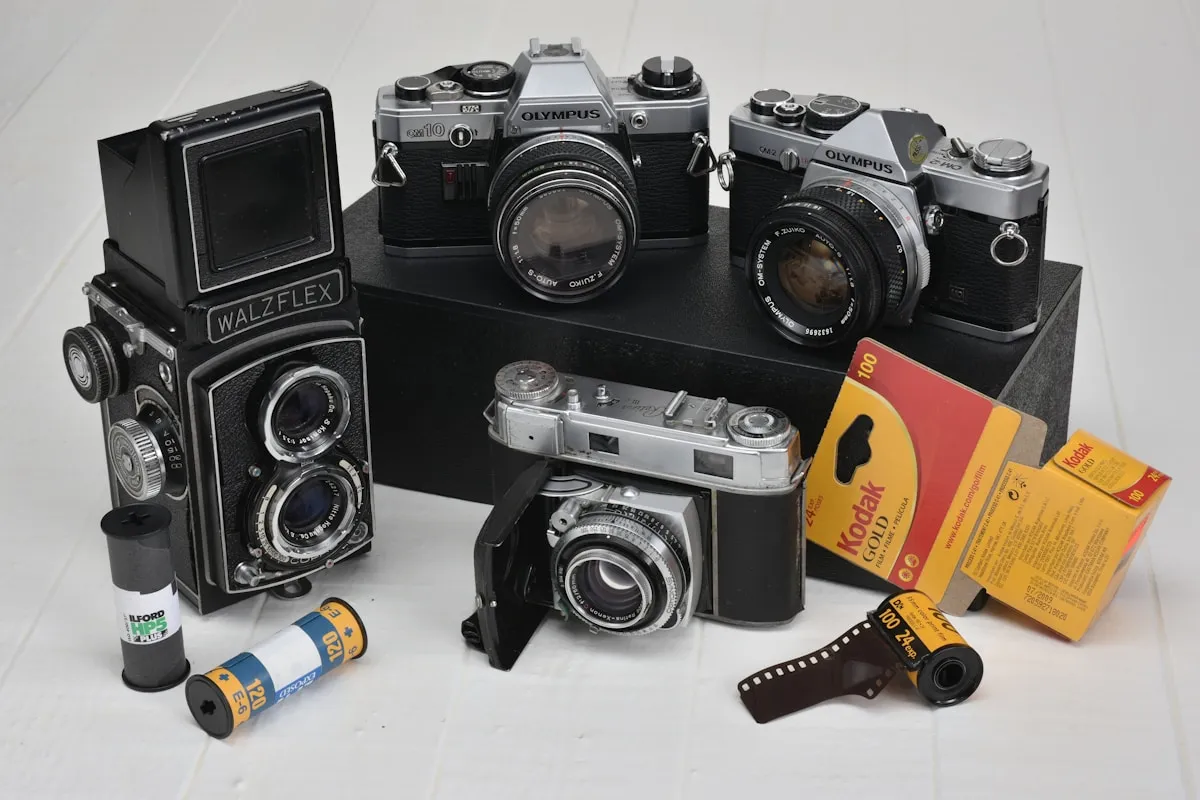
You load a roll of Portra 400 into your Pentax K1000. Over the next two weeks, you shoot all 36 frames — a backlit portrait at golden hour, a landscape at midday, some street shots in open shade. You drop the roll at your lab. Three weeks later, your scans come back. Beautiful images. Rich tones. That portrait has a glow you didn't expect. But which settings did you use on it? What aperture was that landscape? Did you meter for the shadows or the highlights on that street shot? You have absolutely no idea.
This is the problem every analog photographer runs into eventually. Film doesn't record EXIF data. There's no metadata baked into the negative the way a digital camera writes shutter speed, aperture, ISO, and GPS coordinates into every file. When your scans come back, they're beautiful mysteries — and every mystery is a missed learning opportunity.
A film roll tracker app solves this. And once you start using one, you'll wonder how you ever shot without it.
Film doesn't record EXIF data. When your scans come back, they're beautiful mysteries — and every mystery is a missed learning opportunity.
What Is a Film Roll Tracker App?
At its simplest, a film roll tracker app is a digital notebook designed specifically for analog photography. You tell it which film you loaded, into which camera, and then you log each frame as you shoot — recording the shutter speed, aperture, and any notes about the scene. The app keeps a running count of your frames so you always know where you are on the roll.
But modern film roll tracker apps go well beyond basic note-taking. The best ones auto-capture GPS coordinates for each frame, record weather conditions, let you import your scans from the lab and match them to each exposure record, and even embed that data as EXIF metadata into the scan files. Some include built-in film stock databases with hundreds of emulsions, lab directories to help you find processing near you, and gear management to catalog every camera and lens you own.
Think of it as the bridge between the analog shooting experience and the digital workflow that comes after. You keep the tactile, intentional process of shooting film, but you gain the metadata and searchability that digital photographers take for granted.
Why You Need a Film Roll Tracker App
You might be thinking: “I've been shooting film without tracking anything and my photos turn out fine.” That's fair. But “fine” and “improving deliberately” are different things. Here are five reasons a film roll tracker app changes how you shoot.
1. Learn from Every Roll
Without notes, every roll of film is a one-time experiment. You shoot it, you develop it, you look at the results, and you move on. If a shot came out beautifully, you might remember roughly what you did — or you might not. If a shot came out poorly, you have no way to diagnose what went wrong.
With a film roll tracker, patterns start to emerge. You begin to see that your Portra 400 shots consistently look best when overexposed by one stop. You notice that your 50mm f/1.4 produces a distracting swirl in the bokeh wide open but cleans up beautifully at f/2. You realize your meter readings in backlit situations are always two stops under. These insights don't come from a single roll — they come from reviewing dozens of rolls with complete exposure data attached to each frame.
Film is expensive. Every roll costs money to buy and money to develop. A film roll tracker app makes sure you extract the maximum learning value from every single frame, not just the maximum aesthetic value.
2. Match Your Scans to Your Settings
When your lab sends back 36 numbered scan files, each one is a frame on your roll. Frame 1 is the first shot you took. Frame 36 is the last. If you've been logging each frame in a tracker app, matching scans to settings is trivial — frame 14 in the scan folder corresponds to frame 14 in your app, complete with shutter speed, aperture, lens, GPS location, and any notes you added.
Some film roll tracker apps take this further by letting you import your scan files directly and attach them to the corresponding frame entries. The best ones can even write that exposure data into the EXIF metadata of the scan file itself, so when you open the image in Lightroom, Capture One, or any photo viewer, the shutter speed and aperture appear in the file info just like they would for a digital photo. That's a game-changer for anyone who wants a unified workflow across film and digital.
3. Track Multiple Cameras and Rolls
If you shoot more than one camera, things get complicated fast. You might have a half-finished roll of HP5 in your Nikon FM2 and a fresh roll of Ektar in your Canon AE-1. Without tracking, it's easy to lose count of which camera has which film, how many frames are left on each roll, and which roll was being used for which project.
A film roll tracker app keeps a clear record of every active roll — which camera it's loaded in, what frame you're on, when it was started, and what you've shot so far. This prevents double-exposure disasters (accidentally rewinding and reloading a partially exposed roll), loading confusion (putting a roll you thought was fresh into a camera when it's actually half-shot), and the general chaos that comes from running multiple film bodies simultaneously.
Even if you only shoot one camera, tracking your rolls gives you a clear history. Six months from now, when you're looking at a specific scan and wondering when and where you shot it, the answer is right there in the app.
4. Find the Right Lab
Not all film labs are equal. Some only process C-41 color negative. Others handle E-6 slide film. A few specialize in black and white. Turnaround times, scan quality, and prices vary enormously from lab to lab, and finding the right one for your needs can be a frustrating process of trial and error.
Some film roll tracker apps include built-in lab directories — searchable maps of film labs near you, with details on which processes they support, their pricing, and user reviews. Instead of searching Google for “C-41 lab near me” and hoping for the best, you can browse a curated list within the same app you're already using to manage your rolls. It keeps your entire analog workflow — shooting, tracking, and developing — in one place.
5. Build a Personal Film Database
After a year of consistent tracking, you don't just have a notebook full of exposure data. You have a searchable, organized archive of every roll you've ever shot. Want to see every frame you've taken on CineStill 800T? Filter by film stock. Want to review all your shots from a trip to Lisbon? Filter by location. Curious how your shooting habits have changed over the past six months? Look at the data.
This database becomes increasingly valuable over time. It's your personal photography history — a record of what you shot, how you shot it, and where you shot it. For working photographers, it's also a practical resource: you can quickly find which film stock and exposure approach worked best for a specific type of scene, and replicate it with confidence.
For casual shooters, it's simply satisfying. There's something deeply gratifying about scrolling through a year of rolls and seeing your progression as a photographer laid out in precise, organized detail.
After a year of consistent tracking, you don't just have a notebook full of exposure data. You have a searchable, organized archive of every roll you've ever shot.
Paper Notebook vs Film Roll Tracker App
Let's be honest: plenty of photographers track their shots with a pocket notebook and a pen. It works. The act of writing down your settings after each shot is simple, requires no battery, and has a satisfying analog quality that fits the film shooting experience. Some photographers even carry dedicated exposure log books with pre-printed columns for frame number, shutter speed, aperture, lens, and notes.
But paper has real limitations. A notebook can't automatically record your GPS coordinates. It can't tell you the weather conditions. It can't match your notes to your scans. It can't embed EXIF data. And perhaps most importantly, it can't be searched. When you have 50 rolls logged in a notebook, finding every shot you took on Tri-X 400 at f/8 requires flipping through every page manually.
Notebooks also get lost, damaged, and left behind. If you drop your notebook in the rain or leave it in a jacket pocket that goes through the wash, months of exposure data disappear. A film roll tracker app syncs to the cloud. Your data survives phone drops, software updates, and laundry accidents.
That said, a notebook has one undeniable advantage: it doesn't require pulling out your phone while shooting. For some photographers, especially those who shoot film specifically to disconnect from screens, that matters. The best approach depends entirely on your shooting style. If you value the analog-only experience, a notebook is great. If you want the data and the automation, an app is clearly better.
What to Look For in a Film Roll Tracker App
Not all film roll tracker apps are created equal. Some are glorified note-taking apps with a camera icon. Others are genuinely built for the analog photography workflow. Here's what separates the good ones from the rest:
- One-tap frame logging: Adding a frame should take seconds, not minutes. You're in the middle of shooting — the app needs to stay out of your way. Look for apps that let you log a frame with a single tap, auto-incrementing the frame counter and pre-filling the last-used settings.
- Offline support: Film photography happens everywhere, including places without cell service. Your tracker app should work fully offline, syncing data when you're back on a network.
- GPS auto-capture: Manually entering locations defeats the purpose of using an app. The best film roll trackers automatically record your GPS coordinates when you log a frame, so every shot is geotagged without any extra effort.
- Scan import and matching: Being able to import your lab scans and attach them to the corresponding frame entries turns your tracker from a data log into a complete visual archive.
- EXIF embedding: This is the feature that truly bridges analog and digital workflows. An app that can write your exposure data into scan files as EXIF metadata means your film photos behave like digital ones in any photo management software.
- Multiple active rolls: If you shoot more than one camera, you need an app that can track several rolls simultaneously, each assigned to a specific body.
- Film stock database: A built-in database of film stocks saves you from manually entering “Kodak Portra 400 / ISO 400 / 36 exp / C-41” every time you start a new roll. Look for apps with comprehensive, up-to-date film databases.
- Light meter integration: Some apps include a built-in light meter that feeds exposure readings directly into your frame log. That means your metered settings can auto-populate when you log a shot, reducing manual input to almost zero.
How a Film Roll Tracker App Fits Into Your Workflow
The practical workflow looks something like this. Before you head out to shoot, you open the app and start a new roll. You select the film stock from the database, assign it to a camera, and optionally note the lens. The app sets your frame counter to 1.
As you shoot, you log each frame — either right after taking the photo or in a batch at the end of the session. For each frame, you record the shutter speed and aperture. GPS and weather are captured automatically. If something specific about the scene matters, you add a note: “backlit, metered for face,” or “tripod, mirror lock-up, cable release.”
When you finish the roll, you mark it as complete and drop it at your lab. When the scans come back, you import them into the app. Each scan gets matched to its frame entry, and the full exposure data is right there alongside the image. If the app supports EXIF embedding, you export the scans with metadata baked in.
Over time, your app becomes a comprehensive archive of your film photography. Every roll, every frame, every camera, every lens, every location. It's the shooting diary you always meant to keep but never managed with paper.
Pellica: Built for This Workflow
Pellica was designed specifically to solve the problems described in this article. The film roll tracker lets you start a new roll in seconds, log frames with a single tap, and auto-captures GPS and weather data for every shot. When your scans come back, you import them and match them to your frame-by-frame exposure log. Pellica can embed the data as EXIF metadata, so your film scans carry the same information as digital files.
Beyond tracking, Pellica includes a built-in light meter that feeds readings directly into your frame log, a comprehensive film stock database covering hundreds of emulsions, and a lab map to help you find C-41, E-6, and B&W processing near you. It's the entire analog workflow in one app — from metering to shooting to developing to archiving.
If you've been shooting film without tracking your exposures, start with your next roll. Load the film, open the app, and log your first frame. By the time you get your scans back, you'll have the data to understand exactly what made each image work — or why it didn't. That's how you stop guessing and start improving.